Graphical User Interface
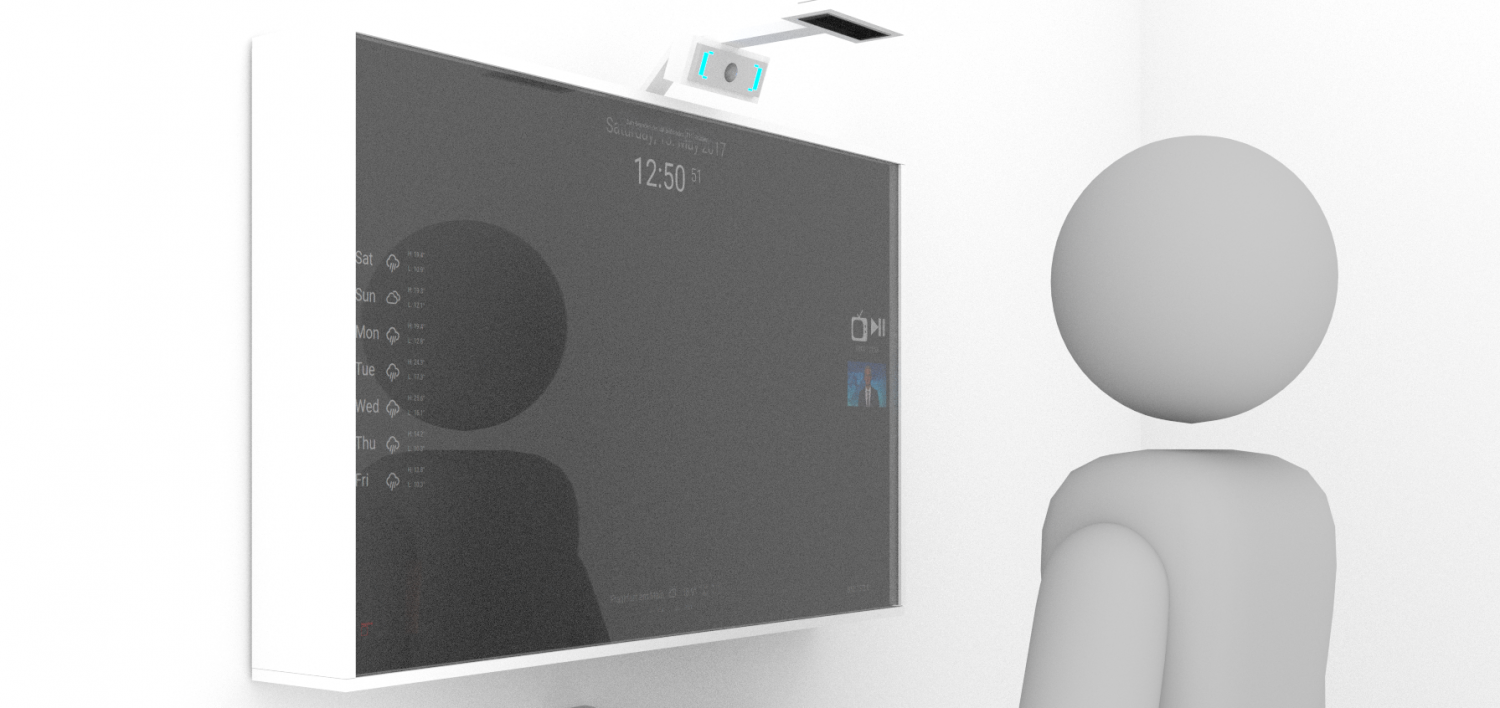
In designing the GUI, we have certain functional requirements to consider. In order to preserve the mirroring capabilities of the two-way-mirror, the background should be as dark as possible in order to reflect. Wherever there are bright areas behind the screen, those will shine through and overlay the reflections.
The mirror can be mounted either landscape or in portrait mode. As our backend is based on Qt5, everything that is displayed is a widget. Widgets can display anything from videos, images to text-information, and can be placed freely. Widgets can either be placed by directly manipulating the json-config-files, or by using the web-app we also provide.
{
    “GpuInfoText”: {
        “y”: “2”,
        “x”: “0”,
        “Interval”: “10”,
        “widget_name”: “GpuInfoText”
    },
    “Image”: {
        “y”: “5”,
        “x”: “439”,
        “Interval”: 6000,
        “widget_name”: “Image”
    },
    “Bitcoin”: {
        “y”: “1565”,
        “x”: “0”,
        “Interval”: 600,
        “widget_name”: “Bitcoin”,
        “Currency”: “EUR”
    },
    “Mirror”: {
        “y”: “1262”,
        “x”: “326”,
        “Interval”: 0.1,
        “widget_name”: “Mirror”
    },
    “TimerText”: {
        “y”: “448”,
        “x”: “8”,
        “Interval”: 1,
        “widget_name”: “TimerText”
    },
    “Display”:{
        “x”: 0,
        “y”: 0,
        “w”: 1080,
        “h”: 1920,
        “Interval”: 100,
        “style”:””
    }
}